
Getting started
Setting up your workspace
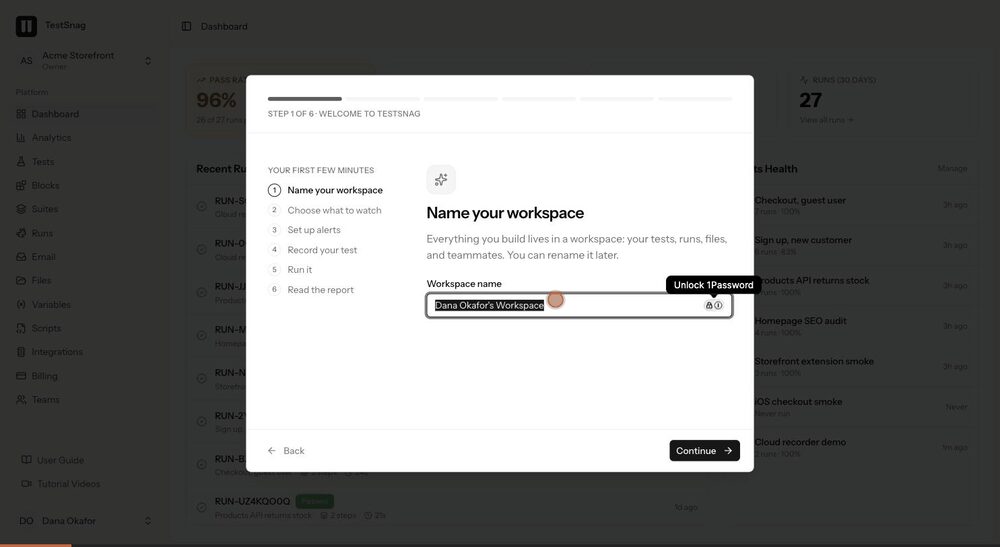
The first run: name your workspace, tell Testsnag what you want to watch, and land on a dashboard that is already yours.
 0:16
What this covers
- 1Sign in for the first time and meet the welcome flow
- 2Give your workspace a name your team will recognise
- 3Choose what you care about most, so the dashboard opens on it
- 4Turn on failure alerts before you have anything to be alerted about
- 5Finish setup and arrive at the dashboard