
Improved
Build web tests from ChatGPT and Claude
Your AI assistant can now ask Testsnag to draft a web test: an AI works through your live site and saves the steps that worked. Drafting does not use your run quota.
Read the docsChangelog
New features, improvements and fixes in TestSnag, newest first.
Your AI assistant can now ask Testsnag to draft a web test: an AI works through your live site and saves the steps that worked. Drafting does not use your run quota.
Read the docs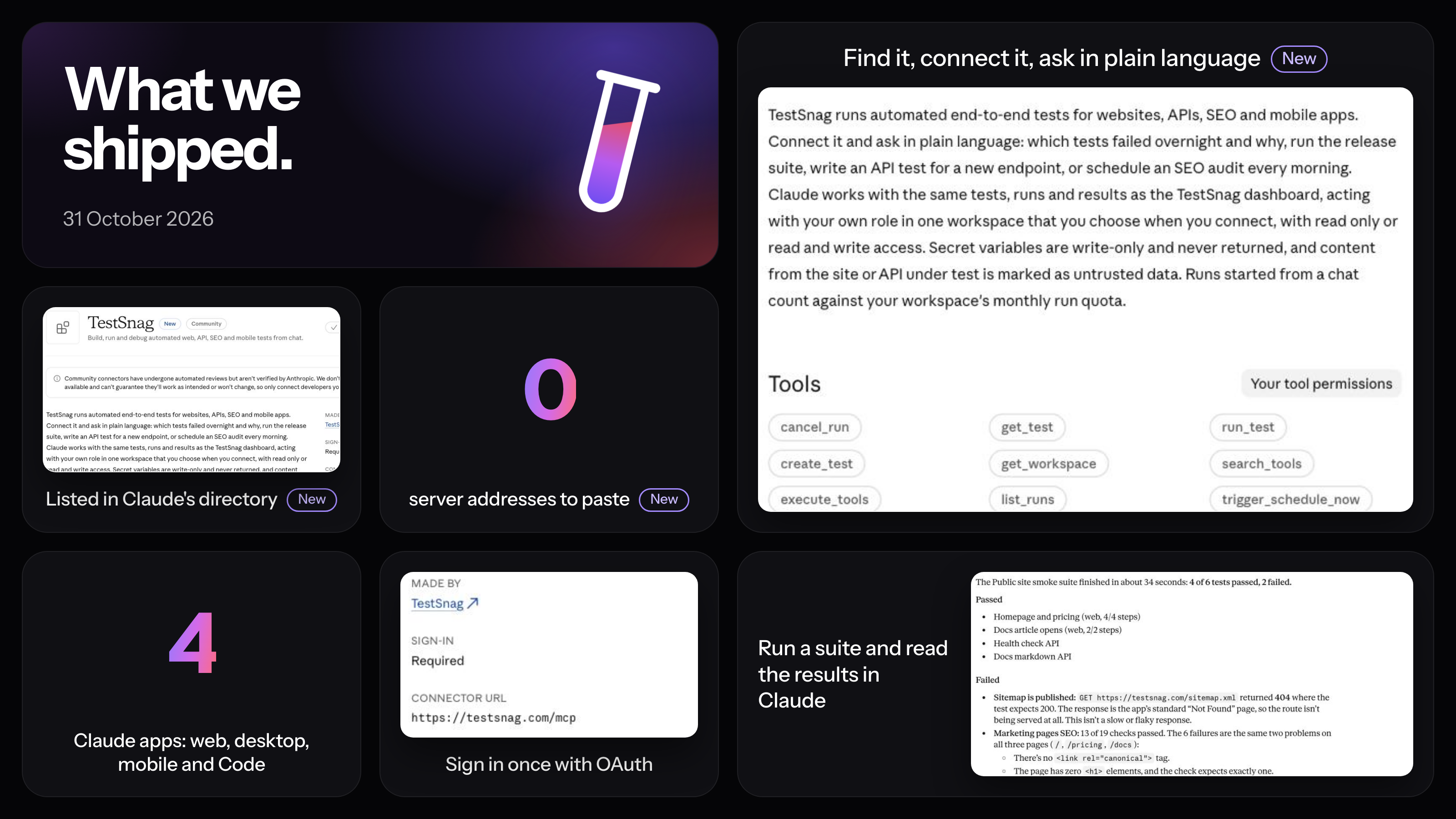
Find Testsnag in Claude's connector directory and connect it in a couple of clicks, no server address needed.
Read the docs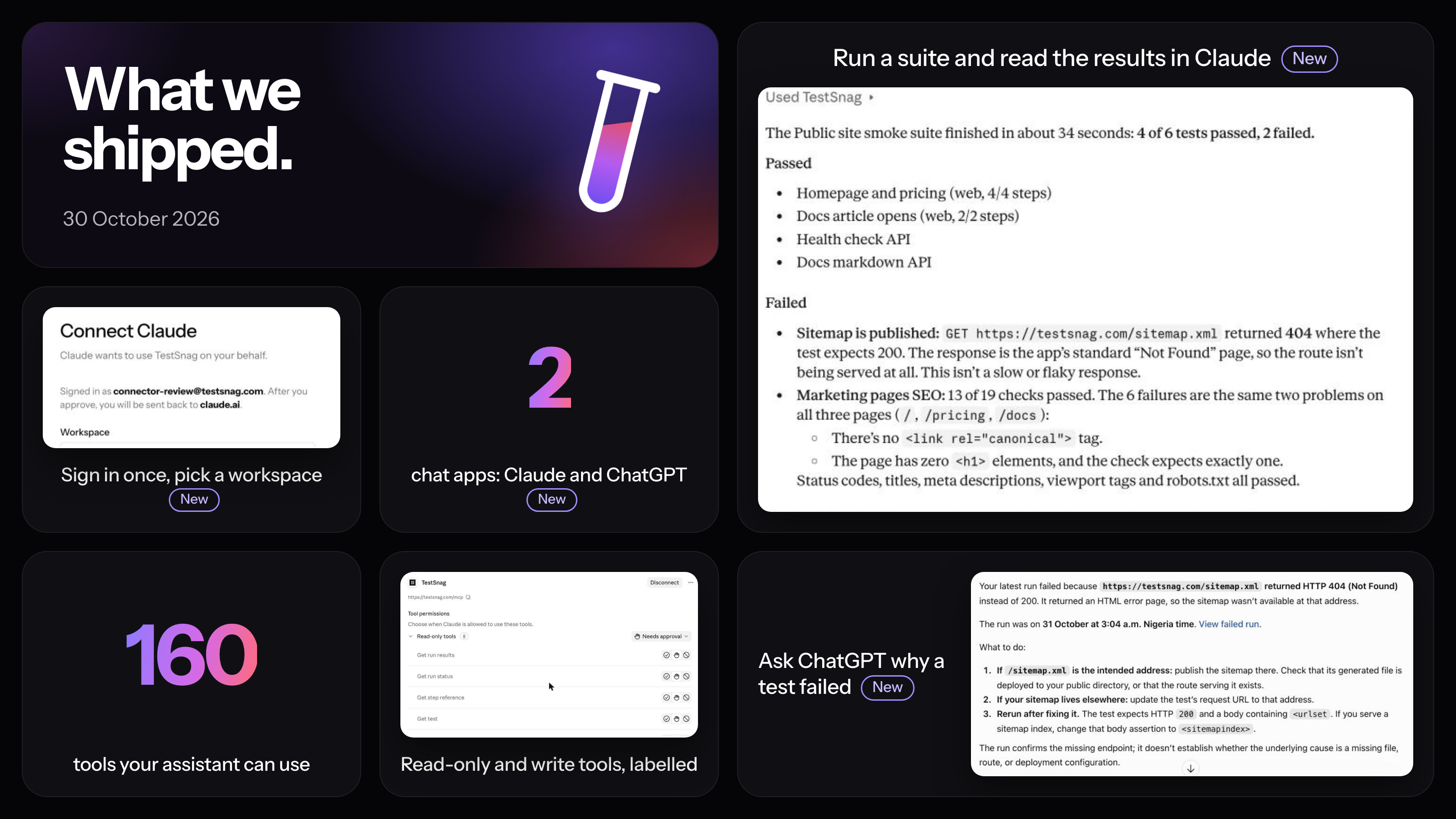
Connect Testsnag to Claude.ai or ChatGPT to check results, start runs and debug failures from a chat.
Read the docs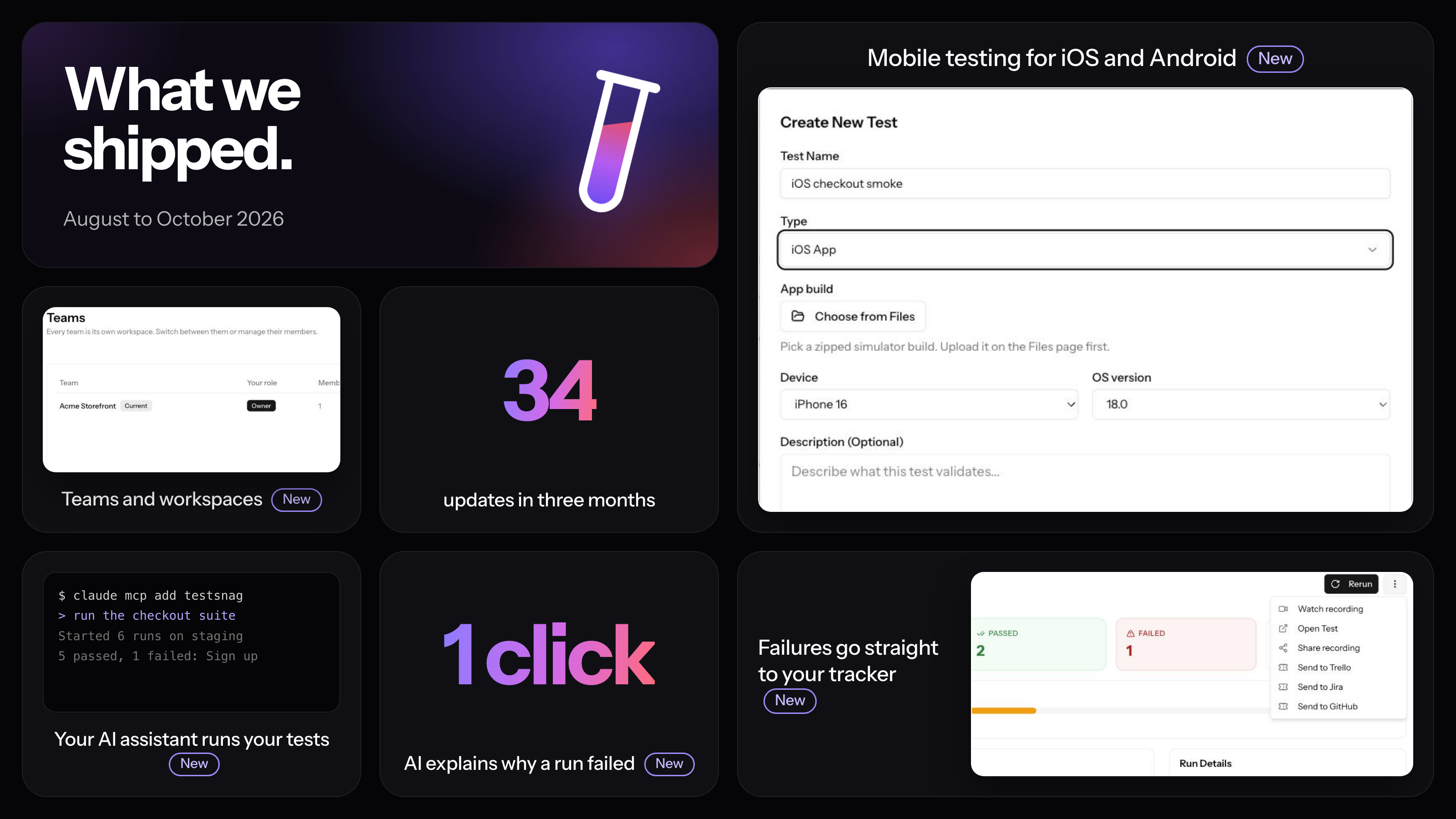
Search now ranks results, puts title matches first, understands different forms of a word, and forgives small typos.
Read the docsYour assistant can upload a new iOS or Android build of any size, attach it to several tests at once, and run them, all over MCP.
Read the docsTurn it on for a test or a suite and every failed run is explained as soon as it finishes, without anyone asking.
One click explains why a run failed and what to fix, using the screenshots, logs and network data you choose to share with it.
Old runs are deleted automatically after the period you set for the workspace, so history stays focused on what matters.
Read the docsRun your tests against every pull request preview deploy and block the merge when they fail.
Read the docsRun the tests in a suite one after another, stop at the first failure, and choose how the results are emailed.
Read the docsA failing suite can file a single tracker issue that lists every failed test, instead of one issue per test.
Read the docsCopy or move tests, suites and blocks into another workspace you own, and copy integrations across without setting them up again.
Read the docsWeb tests can record request and response headers and bodies, so a failed run shows exactly what the server sent back.
Read the docsRe-runs keep their environment, the sidebar is grouped, long names truncate cleanly, environments can be duplicated or deleted in bulk, and failure alerts include the last five log lines.
Suite runs no longer stay on running after a test times out, and cancelled runs show the right status on the test.
Give a workspace staging, production or any other environment, each with its own base URL and variables, and run tests against one or all of them.
Read the docsFailed runs can open Linear issues. Every tracker now shares one Send to dialog on the run page, and Jira issues can take an assignee.
Read the docsUpload a BugBug export and bring your tests across, with components turned into reusable blocks.
Read the docsNew workspaces are walked through building and running a first test, instead of filling in forms.
Read the docsClaude, Codex, Cursor and VS Code can read, write and run your tests. Connecting is a browser sign-in, no token to copy.
Read the docsStart a whole suite with Run now and follow every test on its own suite run page.
Read the docsWorkspace-wide variables are now free on every plan.
Read the docsThe guide moved to /docs with quick search, and every page is also available as Markdown for AI tools.
Read the docsRecord and run iOS and Android tests on device simulators, with a screenshot for every step and a video of the run.
Read the docsUpload a mobile build, attach it to your tests and run them from a terminal or CI, with workspace API tokens to sign in.
Read the docsStep-by-step articles for every part of TestSnag, from your first test to CI and integrations.
Read the docsA failed test opens an issue, repeat failures stay on the same issue, and it closes when the test passes again. Status changes sync both ways.
Read the docsTurn an OpenAPI or Swagger spec, or a GraphQL schema, into saved API requests.
Read the docsPick exactly which test variables the AI assistant in the recorder may read and use.
Read the docsYou get an email when a payment goes through, and a heads-up when one fails.
Read the docsAsk the AI assistant to check a sign-up or password reset email and it adds the wait for email step for you.
Read the docsKeep a library of API requests to reuse across tests, and bring in your Postman collections.
Read the docsDescribe what you want to test in plain language and the assistant drafts the steps while you watch.
Read the docs