
Getting started
Creating your first test
How to create a test, choose its type, and decide between the Cloud Recorder and the Browser Extension based on what you need to test.
 0:12
What this covers
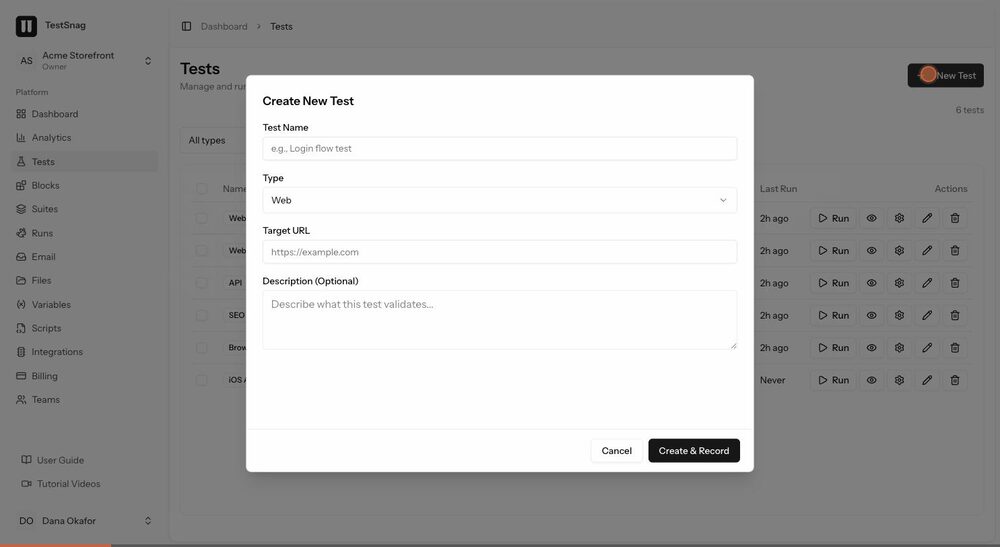
- 1Open the Tests page and start a new test
- 2Pick a test type and see how the form changes to match
- 3Name the test and set its target URL
- 4Create and record, which drops you straight into the recorder